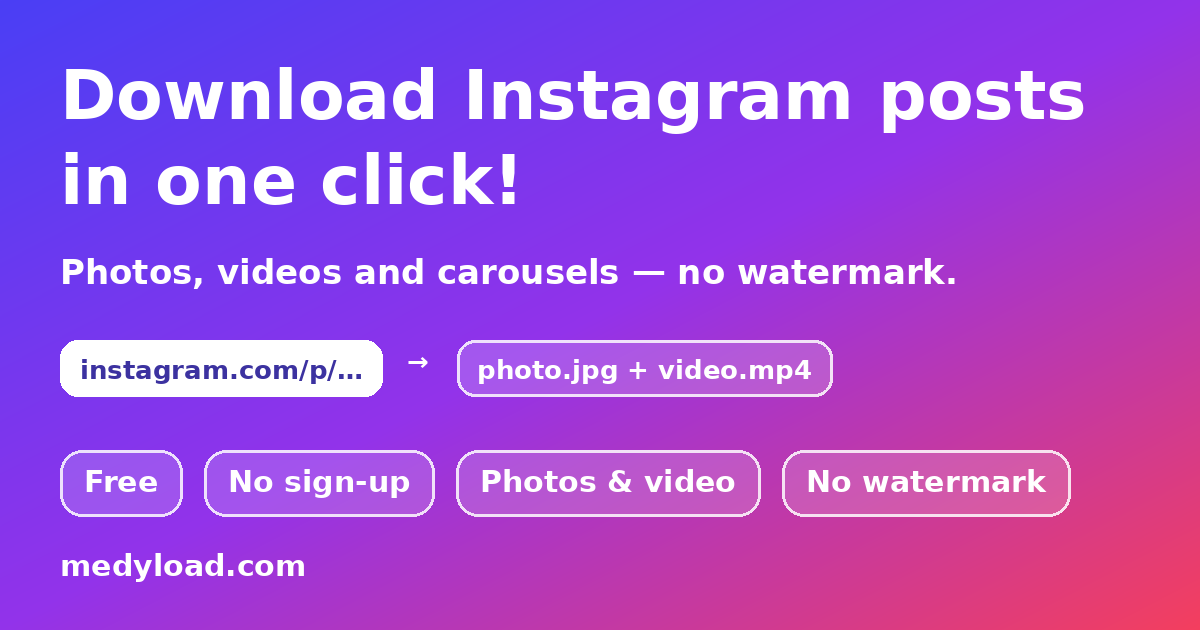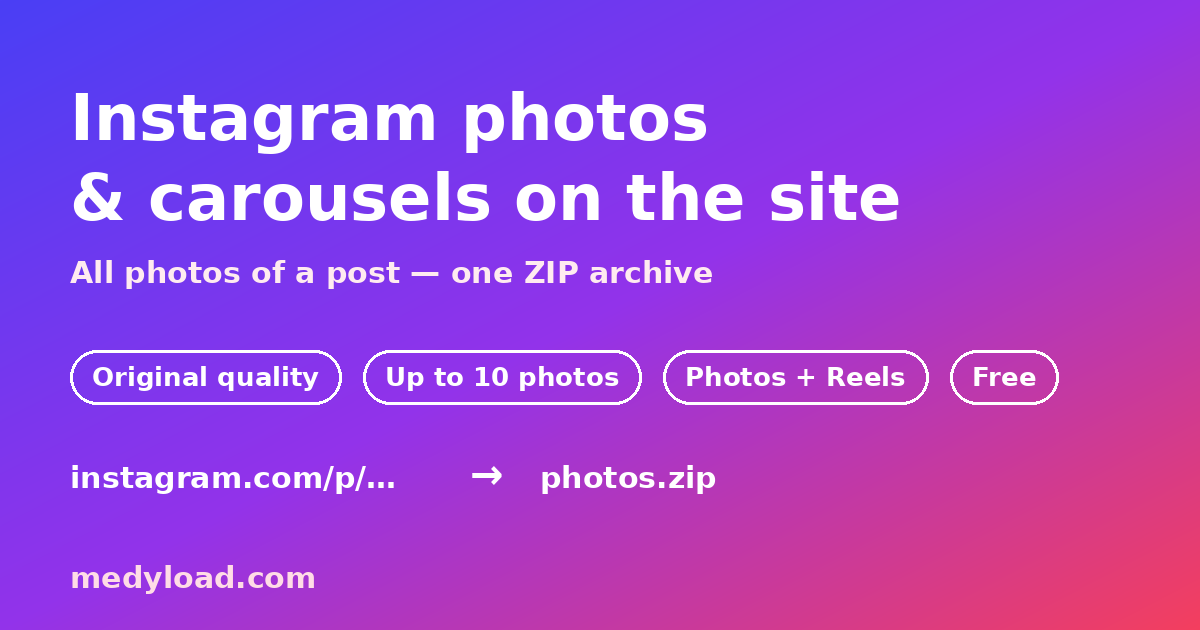
Previously the site could only download Instagram videos, and photos required our Telegram bot. Now this works on the site too: paste a link to a photo post or carousel and MedyLoad collects all the shots and hands them to you as a single ZIP archive.
How it works. Open the post in Instagram, tap the three dots (⋯) → «Share to» → «Copy link», and paste it into the downloader page. The service detects that the post contains photos and starts building the archive — it usually takes a few seconds.
What is inside the archive. All photos of the post in original quality — up to 10 carousel shots. Video posts and Reels are still downloaded as an MP4 file, just like before. No downscaled images: only the originals exactly as the author uploaded them.
A note on the watermark. If a photo carries Instagram's built-in watermark with the author's username, it stays: we keep files exactly as they were published and never recompress or redraw images.
Nothing changed in Telegram: send the post link to the @MedyLoad_Bot bot and the photos arrive as an album right in the chat. On the site it is now convenient to save a whole carousel to a computer at once.
As before, only posts from public profiles can be downloaded — posts in private accounts are protected by privacy settings. Try the new feature: medyload.com/download-instagram-reels.