VKontakte remains one of the largest video platforms: short clips, full movies and lectures all live there. But VK does not let you save a video to your device — and sometimes you need it offline: on a trip, at the cottage, or just to forward to a friend. It is easier than you think.
Step 1. Copy the link. Open the VK video and copy its address: tap «Share» → «Copy link», or simply copy the URL from the browser address bar.
Step 2. Paste the link into MedyLoad. Open the VK downloader page, paste the link into the field and press «Get video». The service connects to VKontakte and locates the file.
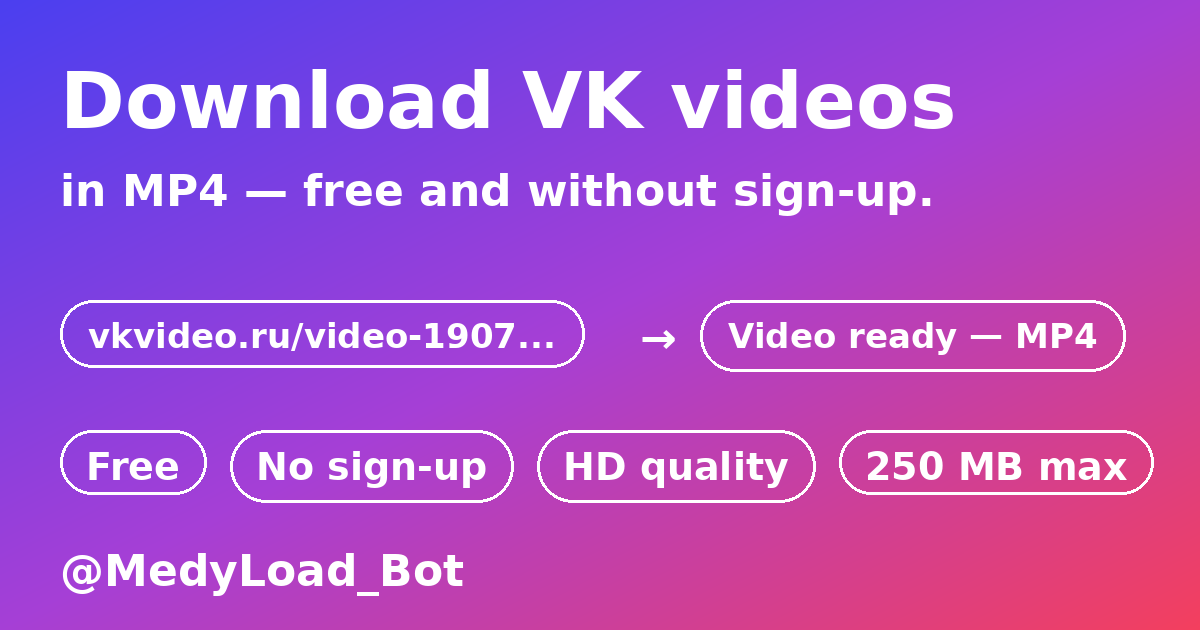
Step 3. Choose the quality and download. In a few seconds you will see a list of available qualities — from lightweight 240p up to HD. Pick one and press «Download». The file is saved as MP4 and plays on any device. The maximum size is 250 MB — enough for 20–30 minutes of video in good quality.
There is an even easier way — via Telegram. Send the VK video link to the @MedyLoad_Bot bot and it will send the ready file right back in the chat. Handy when you are already in Telegram and do not want to open a browser.
Sometimes a download fails: the video was deleted, is only available in a private group, or is restricted by privacy settings. Unfortunately such videos are beyond our reach too — only public videos can be downloaded. Everything else MedyLoad fetches quickly, free and without watermarks. Try it right now: medyload.com/download-vk-video.