MedyLoad usually downloads videos in seconds, but occasionally a link just won't process. Most of the time the problem is not the service itself: it is the post's privacy settings, restrictions imposed by the social network, or the way the link was copied. Here are the eight situations we see most often.
1. The link doesn't point to a video. Downloads only work with the address of a specific video. Links to a profile, stories, a playlist, a photo album or a post without a video won't work. Open the clip itself and copy its address.
2. The video is private or deleted. Posts from private accounts and groups, «friends only» videos and deleted clips cannot be downloaded by any service: they are protected by privacy settings or no longer exist on the platform.
3. Age or region restrictions apply. Sometimes a video plays in the app under your account, but an anonymous request can't fetch it. If a post requires login, age confirmation or is unavailable in some countries, it usually can't be downloaded.
4. The file is larger than 250 MB. The maximum size for a single download on MedyLoad is 250 MB. Long live streams, movies and very high-quality clips may exceed the limit. Try a more compact quality or download a fragment of the video.
5. A playlist link was pasted. The service processes one link to one clip. If you copied a playlist or collection address, open a specific video inside it and copy that video's address instead.
6. The social network is temporarily blocking the request. Platforms sometimes turn on anti-bot protection and refuse to hand over the file even for an ordinary public video. This is usually temporary: try again later, or test the service with another public clip.
7. The link was copied incorrectly. Make sure the address starts with https:// and has no spaces or breaks. The most reliable way is to use «Share» → «Copy link» right in the social network's app.
8. The video only opens after logging in. Open the link in incognito mode. If the browser asks you to sign in, shows an age check or says the content is unavailable, anonymous downloading won't work.
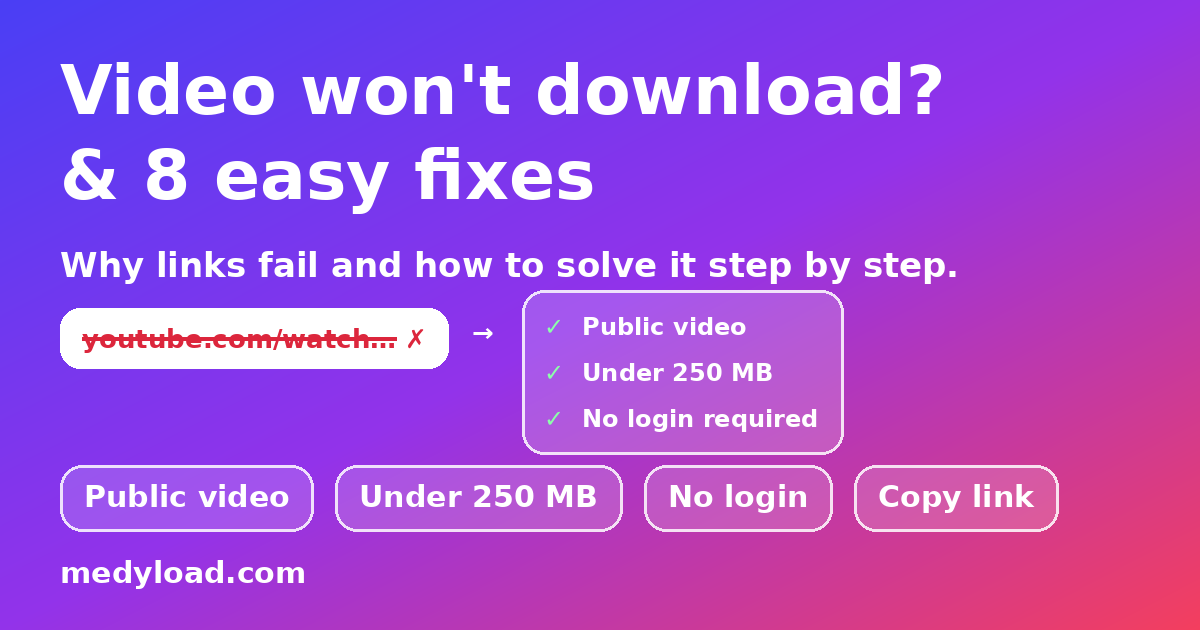
The quick check is simple: the video must be public, open without signing in, and be up to 250 MB in size. If all conditions are met but the download still fails, send us the link via the «Contacts» form — we'll look into your specific case.