YouTube has it all: tutorials, lectures, music videos and short-form Shorts videos. But sometimes you need more than just watching a video online — you need to save it as a file to show in class without internet, forward to friends or take with you on a trip. With MedyLoad, it only takes a few simple steps.
Step 1. Copy the video link. Open the video on YouTube and tap «Share» → «Copy link». The same method works for Shorts. On a computer, simply copy the address from the browser address bar — both youtube.com and youtu.be links are supported.
Step 2. Paste the link into MedyLoad. Open the YouTube downloader and paste the link into the field. Press «Get video» — the service will find the video and show the available quality options.
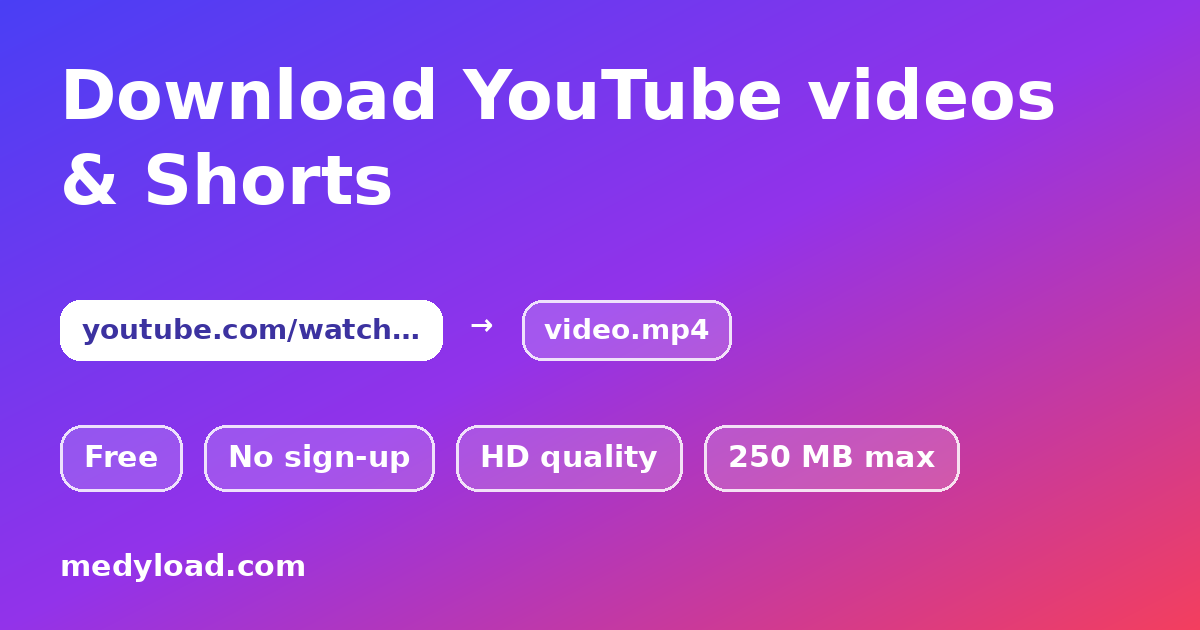
Step 3. Choose the quality and download. The available options depend on the video itself: resolutions from 360p to HD and higher are usually offered. MedyLoad combines video and audio into an MP4 file that plays on your phone and computer. The maximum file size is 250 MB.
Even more convenient — via Telegram. Send the link to the @MedyLoad_Bot bot and choose the quality. It will send smaller videos directly to the chat, and for larger files it will provide a download link that remains valid for about three hours.
Important: only public videos that are available on YouTube can be downloaded. The service cannot retrieve private or deleted videos, and a playlist link does not download every video in it — process the videos one at a time. MedyLoad is free, requires no registration and adds no watermarks. Try it now: medyload.com/download-youtube-video.