Instagram does not let you download someone else's post — neither photos nor videos, only bookmark it inside the app. But sometimes you need the actual files: a recipe for offline use, a funny video to forward to friends, or travel shots for your disk. There is a way — and it is easier than you think.
Step 1. Copy the post link. Open the post in Instagram, tap the three dots (⋯) in the top right corner and choose «Share to» → «Copy link». On a computer, simply copy the address from the browser address bar.
Step 2. Paste the link into MedyLoad. Open the Instagram downloader and paste the link into the field. Press «Get video» — the service connects to Instagram and finds all the files in the post.
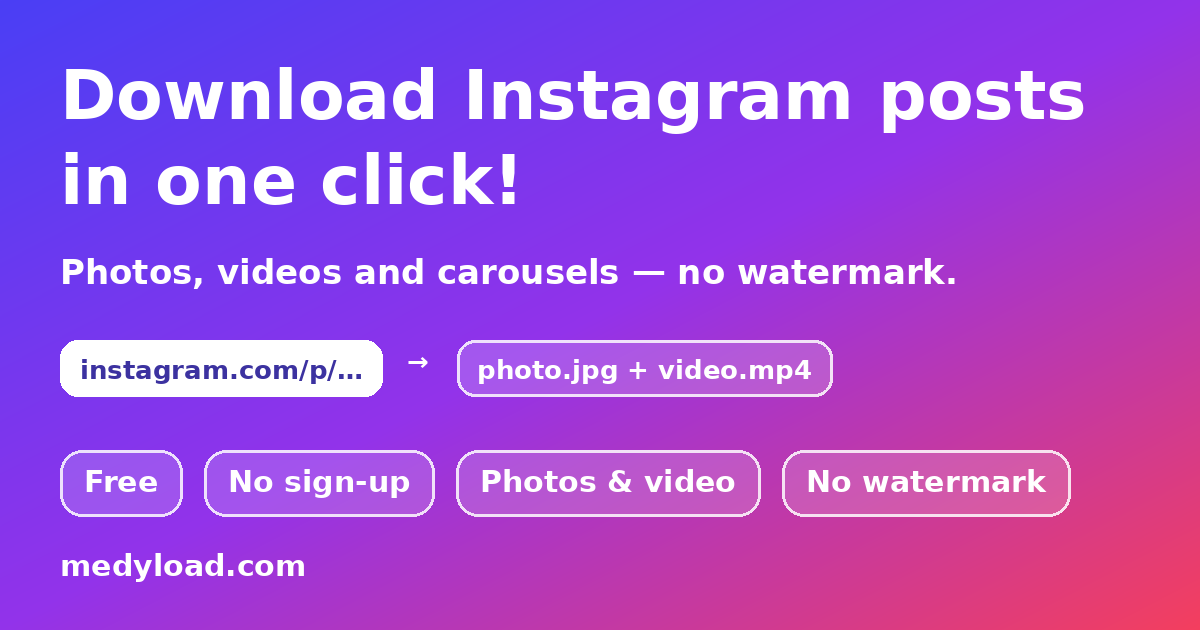
Step 3. Download the files. Video is saved as MP4 with no watermark and in the highest quality, photos come as original JPG files, and a carousel downloads all of its slides one by one. For Instagram the quality is chosen automatically — the service always picks the best available.
Even more convenient — via Telegram. Send the post link to the @MedyLoad_Bot bot and it will send the ready files right back in the chat. The fastest way on a phone: no need to even open a browser.
One important note: only posts from public profiles can be downloaded. Posts in private accounts are protected by privacy settings — no service can fetch them. Everything else MedyLoad saves quickly, free and without watermarks. Try it right now: medyload.com/download-instagram-reels.